
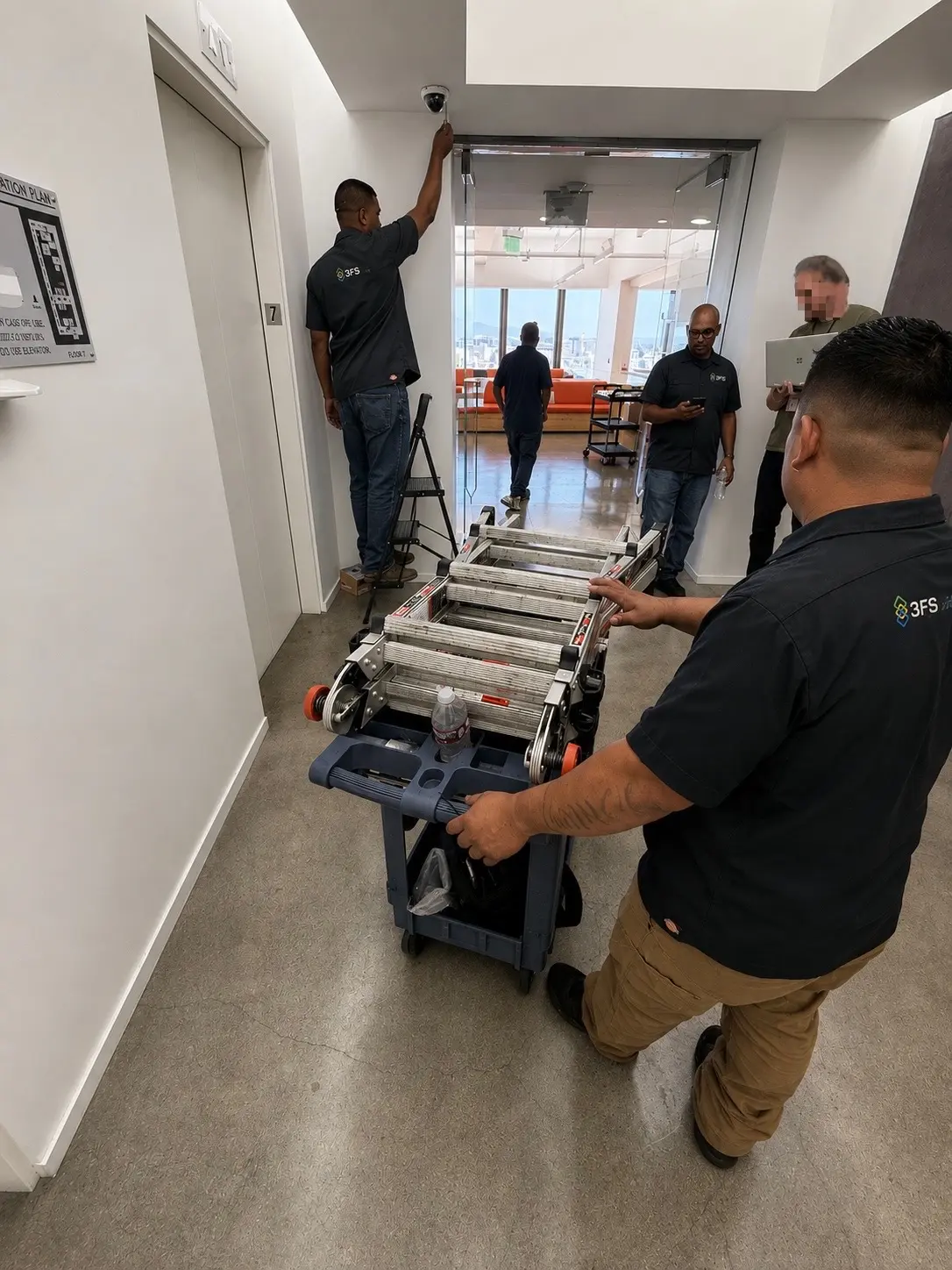
Begin with the property and the purpose
A useful design begins by identifying priority areas, likely approaches, entrances, transaction points, valuable assets, blind spots, lighting conditions, privacy considerations, and the way people and vehicles move through the property.
The purpose also matters. A camera intended for general awareness may be very different from one intended to identify a face, read a license plate, verify an alarm, document a loading area, or support live operator response.
Match the camera to the scene
Dome, turret, bullet, panoramic, multi-sensor, PTZ, thermal, and license-plate cameras solve different problems. Housing, lens, mounting height, field of view, low-light performance, weather exposure, vandal resistance, and backlighting all affect the result.
- Wide contextual views for general awareness
- Focused identification views at doors, gates, lanes, and transaction points
- Low-light or infrared coverage for dark areas
- Specialty imaging for license plates, heat, long distances, or large open spaces
Plan recording and retention before installation
Resolution alone does not determine storage. Camera count, bitrate, compression, frame rate, scene activity, recording schedule, analytics, redundancy, and retention period all contribute.
Decide whether local recording, cloud archiving, or a hybrid design best fits the property. Then confirm playback speed, export workflow, user permissions, cybersecurity, and what happens during a network or power interruption.
Use analytics for a defined operational goal
People, vehicle, line-crossing, loitering, object, audio, face, thermal, and license-plate analytics can reduce search time and surface priority events. Each analytic still needs suitable placement, scene conditions, calibration, schedules, and a response workflow. An alert without a clear next step is only another notification.
Evaluate the complete infrastructure
Professional planning includes cabling pathways, wireless or cellular connectivity where appropriate, network capacity, PoE budgets, surge protection, backup power, equipment-room conditions, mounting, conduit, licensing, secure remote access, user roles, and future expansion.
Commissioning and training complete the job
After installation, every view should be focused and verified, recordings and exports tested, time synchronized, analytics tuned, users configured, mobile and desktop access confirmed, and the final system documented. Practical training helps ensure the system will be used correctly when an event occurs.