Attentive follow-up
Every request is reviewed during regular business hours, with active system concerns and time-sensitive needs given careful attention.

Client Service Portal
The preferred way to reach our team for existing system support, free risk assessments, urgent site needs, maintenance, monitoring, and every service Three Factor Security provides.
What to expect after submitting
Tell us what is happening at your property and include any helpful photos or video. Our team will review the details and connect you with the best available next step.
Every request is reviewed during regular business hours, with active system concerns and time-sensitive needs given careful attention.
We’ll follow up with the best available next step, whether that means remote assistance, scheduling a technician, or planning an on-site visit.
For fire, a medical emergency, a crime in progress, or any immediate threat to life or safety, call 911.
Use the portal for the complete system lifecycle
Capabilities depend on the installed platform, account ownership, agreement, and available system record. The portal routes the request to review; it is not a live control panel.
Report a camera, alarm, access, intercom, network, power, or recording issue
Request user, permission, notification, schedule, or contact changes
Request video export, monitoring, insurance, warranty, or service documentation
Schedule maintenance, health review, training, repair, expansion, or modernization
Describe an inherited system, property transition, or unknown administrator problem
Attach helpful site photos or video without sending passwords, codes, or credentials
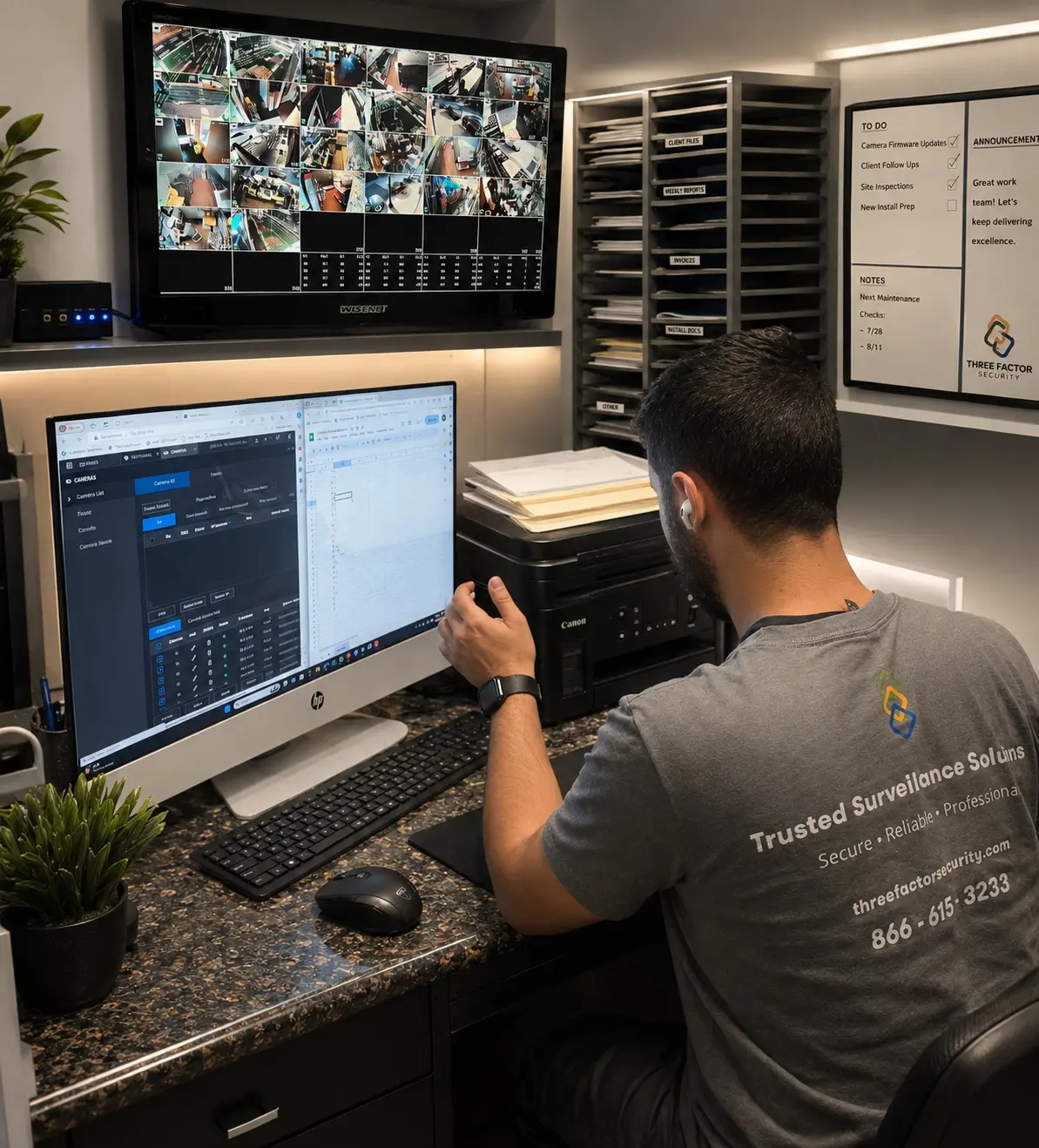 Fieldwork inBaldwin Park
Authentic Three Factor Security field work
Service, access, exports, troubleshooting, and future changes are easier when the original configuration, documentation, and field conditions are understood.
View more project experience