Keep
Retain equipment and infrastructure that remain supported, serviceable, secure, and useful to the property.

Security system lifecycle planning
Security systems change as properties, staff, networks, manufacturers, risks, and operating priorities change. We assess the complete installed environment and build a practical path forward without assuming that every existing component must be discarded.
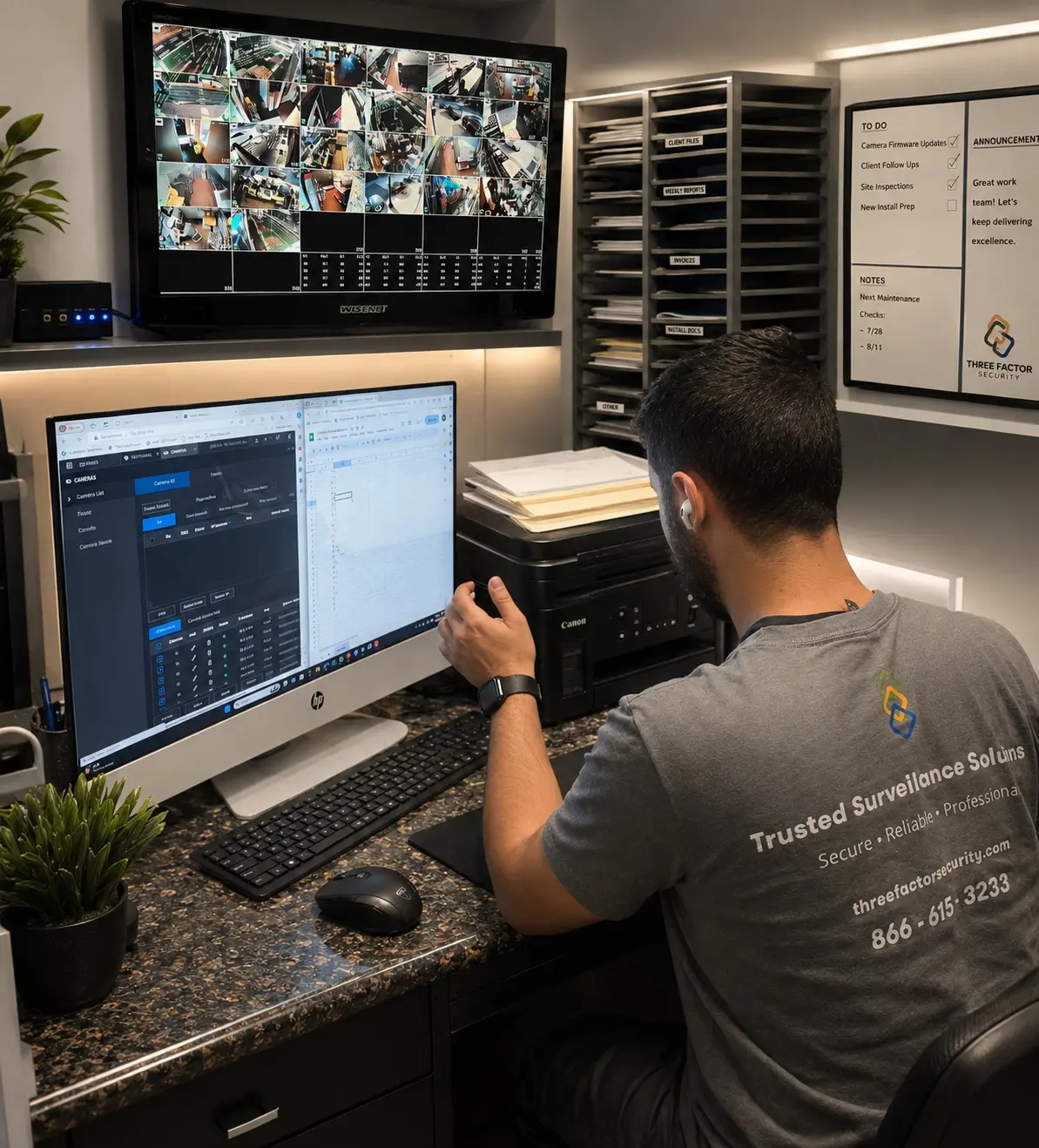 Fieldwork inBaldwin Park
Five practical decisions
The correct decision can be different for the cameras, recorder, alarm, access control, intercom, cabling, network, power, monitoring, and user accounts at the same property.
What the review examines
Models, age where known, firmware, manufacturer support, licensing, replacement availability, and compatibility.
Cable, pathways, racks, enclosures, mounting, weather exposure, grounding, surge protection, network, and power.
Recording mode, time synchronization, storage health, retention, playback, export, and incident usability.
Account ownership, administrators, permissions, notifications, schedules, contacts, MFA where supported, and offboarding.
Enrolled events, communication paths, verification, escalation, dispatch instructions, system health, and service boundaries.
Names, labels, equipment inventory, configuration notes, prior service, open issues, training, and support ownership.
Why security systems fail
A system can look normal while recording, communication, permissions, or field performance has already degraded. Routine review finds those issues before the next incident exposes them.
Failed power supplies, depleted backup batteries, internet changes, cellular-path issues, or disabled network equipment can interrupt otherwise healthy devices.
Drive health, overwritten footage, incorrect recording schedules, retention changes, or recorder limits can create gaps that are discovered only after an incident.
Moved cameras, landscaping, lighting changes, dirty lenses, blocked sightlines, or poorly tuned analytics can reduce the value of coverage over time.
Departed staff, shared accounts, lost administrator access, outdated contacts, or unreviewed notification rules can leave the wrong people in control.
Misalignment, worn hardware, damaged cabling, environmental exposure, and third-party changes can affect readers, contacts, locks, intercoms, and perimeter devices.
Unknown equipment, missing credentials, inconsistent names, undocumented changes, and unclear support responsibility make every future service call harder.
Resiliency planning
Backup power, alternate communication, local recording, health alerts, and documented recovery steps are selected around the property and service agreement—not assumed.
UPS capacity, safe shutdown, and expected runtime
Internet, cellular, and supported alternate paths
Local, edge, or cloud behavior during an outage
Health notifications, ownership, and escalation
Verification after service is restored
Staged modernization
A phased plan can address urgent reliability and ownership first, then improve coverage, infrastructure, recording, monitoring, access, or reporting in coordinated stages. Each phase should protect compatibility and leave a clear record for the next.
Establish ownership, administrators, records, and known dependencies
Verify active failures, critical coverage, recording, power, network, and communication
Correct urgent serviceability, safety, cybersecurity, and operational gaps
Sequence upgrades around compatible equipment, property access, risk, and budget
Commission, train, document, and create the next maintenance baseline
Fieldwork inBaldwin ParkAuthentic Three Factor Security field work
A professional installation is not complete when equipment is mounted. Configuration, live-view review, documentation, user access, and final verification are part of the delivery standard.
View more project experienceBegin with a professional assessment