The right people should have the right access—without giving everyone everything.
Modern systems can support owners, families, board members, property managers, employees, guards, vendors, monitoring operators, and service professionals. Clear roles keep administration practical and sensitive functions controlled.
How you’ll control your system
One clear operating plan—even when the property uses more than one platform.
Three Factor Security works across established camera, alarm, access, intercom, identity, network, storage, and monitoring platforms. Exact functions vary by selected equipment, licensing, subscriptions, connectivity, and project scope.
01
Mobile & desktop access
Use supported apps or browser interfaces to reach approved sites and functions without relying on one shared workstation.
02
Live & recorded video
View approved cameras, search recorded events, review timelines, and confirm recording health where the platform supports it.
03
Individual user accounts
Give owners, board members, employees, residents, guards, and vendors their own accounts instead of sharing credentials.
04
Role-based permissions
Limit each user by property, camera, door, alarm, schedule, export right, or administrative responsibility.
05
Door & gate control
Manage supported credentials, schedules, visitor entry, remote release, and access history from authorized interfaces.
06
Alarm management
Use supported controls for arming, disarming, notifications, zones, user codes, and event review according to assigned responsibility.
07
Video export & documentation
Preserve approved clips, event details, and operational records with a process for sensitive evidence and external sharing.
08
System-health notifications
Receive available alerts for device, recording, storage, network, battery, or communication issues before they become long-term gaps.
Available controls are confirmed during system design and handoff. The customer receives the applications, accounts, permissions, documentation, and training included in the approved scope.
Permission lifecycle
Plan access, train users, and remove it when responsibilities change.
Available roles and audit features vary by platform. Final permissions are configured around supported capabilities and customer-approved responsibilities.
01
Identify administrators
Name the people responsible for the system, account recovery, user approval, platform billing, settings, service authorization, and incident exports.
02
Define roles
Separate full administration from daily viewing, arming, unlocking, credential use, report review, exports, and maintenance access.
03
Limit by site & function
Give each person only the locations, cameras, doors, alarms, schedules, and actions required for their responsibility.
04
Train authorized users
Review daily operation, secure accounts, notifications, playback, exports, alarm handling, visitor access, escalation, and service intake.
05
Review & remove
Audit users and shared access after staffing, board, tenant, vendor, property-management, ownership, or monitoring changes.
Example permission matrix
A practical starting point for homes, boards, and operating teams.
Use the matrix to define the principle of access. Exact permissions depend on the selected camera, alarm, access, intercom, identity, monitoring, and multi-site platforms.
Role
Live view
Recorded video / export
Doors, alarms or credentials
User administration
Owner / primary administrator
All approved sites
Full approved access
Full approved control
Yes
Board / property manager
Assigned common areas or properties
Review and export if authorized
Assigned doors, schedules, or alarm controls
Limited or approval-based
Employee / resident / household
Selected views only
None or limited playback
Daily credential, arming, or approved unlock
No
Guard / response team
Assigned security views
Event review where authorized
Incident controls and escalation tools
No
Installer / service
Only when needed for testing
Diagnostic review if authorized
Configuration and test access
Temporary or supervised
Monitoring operator
Enrolled event views under plan terms
Event-based access defined by provider
Supported intervention or dispatch actions
No customer user administration
Administrator checklist
Review these controls during handoff and at least whenever responsibilities change.
Primary and backup administrators are named
Unique individual accounts are used where supported
Multifactor authentication is enabled where available
Shared logins, stale users, former employees, prior board members, and expired vendors are removed
Sites, cameras, doors, exports, credentials, schedules, and configuration rights match each role
Account recovery, monitoring contacts, alarm call lists, and emergency escalation are current
System changes and sensitive exports follow the organization’s documentation policy
Related guidance
Connect access planning to privacy, monitoring, and professional handoff.
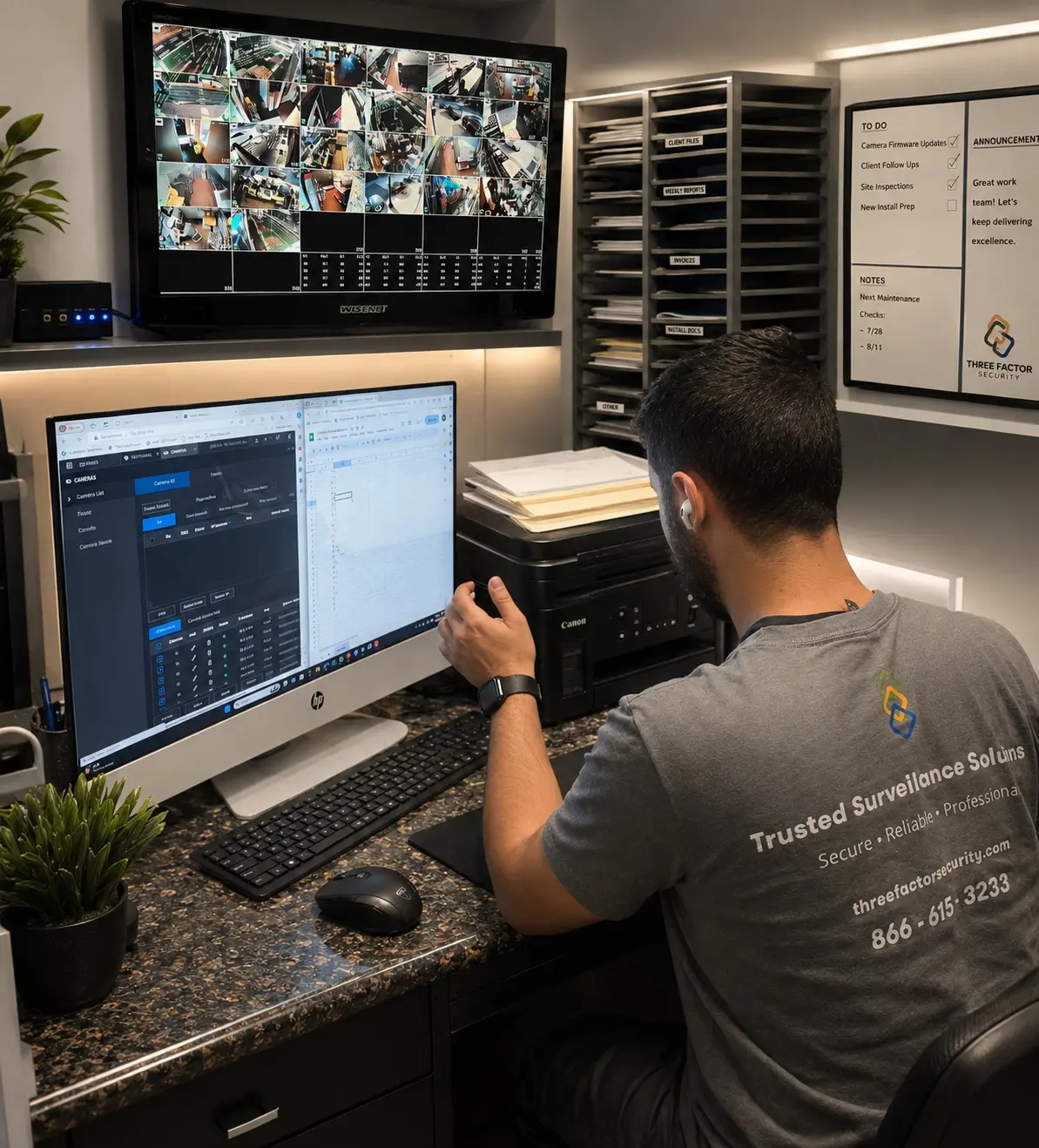
Fieldwork inBaldwin ParkSystem configuration, live-view review, documentation, and verification
Authentic Three Factor Security field work
Privacy is shaped during configuration, not added later.
Permissions, retention, export access, notifications, and camera views are reviewed as part of a responsible system setup and documented handoff.

 Fieldwork inBaldwin Park