Cameras & recording
Coverage, image quality, playback, exports, retention, storage, NVRs, cloud options, alerts, and upgrades.
Open guidance
Guidance before and after installation
Use the searchable knowledge base for general questions, the Client Service Portal for an installed-system request, or the guided assessment for a new property or major upgrade.
Browse by topic
General guidance cannot replace the installed-system record, manufacturer documentation, signed proposal, monitoring agreement, or a professional service review.
Coverage, image quality, playback, exports, retention, storage, NVRs, cloud options, alerts, and upgrades.
Open guidanceArming, devices, contacts, permits, cellular options, monitoring plans, verification, and response workflows.
Open guidanceCredentials, schedules, doors, gates, visitor entry, remote release, audit history, and administration.
Open guidanceAdministrators, board members, employees, residents, households, guards, vendors, and multi-site user roles.
Open guidanceCleaning, focus, recording checks, batteries, UPS, firmware, permissions, notifications, diagnostics, and upgrades.
Open guidanceAssessment, field verification, pathways, installation, commissioning, training, documentation, warranty, and support.
Open guidanceCommon support tasks
Platform-specific steps depend on the installed equipment, account ownership, permissions, and monitoring provider. These paths help you prepare the right request without guessing.
Create a private ticket for an installed camera, alarm, access, intercom, gate, network, storage, monitoring, or maintenance issue.
Open the Client Service PortalStart with the installed platform and the date, time, camera, event, and recipient. Preserve sensitive footage through an approved sharing process.
Open the evidence workflowIdentify the administrator, sites, views, doors, alarms, exports, schedules, and actions each person should—or should no longer—have.
Review permission planningConfirm power, internet, local recording, device status, time, alerts, communication, and storage after service returns.
Search outage guidanceUse only the instructions for the installed platform and monitoring provider. Request help before testing if the account or procedure is unclear.
Review monitoring guidanceConfirm the authorized contact, property access, equipment location, administrator access, issue history, and any construction or safety restrictions.
Review installation expectationsSubmit the property, account, requested document, recipient, and deadline. Availability depends on the installed and monitored system record.
Submit a documentation requestReview administrators, users, equipment, recording, network, monitoring, compatibility, and documentation after an ownership or management change.
Open takeover guidancePopular planning & support paths
Need direct help?
Business hours: Monday–Friday, 9:00 a.m.–5:00 p.m. PT. Service or sales requests are accepted online at any time.
Why security systems fail
A system can look normal while recording, communication, permissions, or field performance has already degraded. Routine review finds those issues before the next incident exposes them.
Failed power supplies, depleted backup batteries, internet changes, cellular-path issues, or disabled network equipment can interrupt otherwise healthy devices.
Drive health, overwritten footage, incorrect recording schedules, retention changes, or recorder limits can create gaps that are discovered only after an incident.
Moved cameras, landscaping, lighting changes, dirty lenses, blocked sightlines, or poorly tuned analytics can reduce the value of coverage over time.
Departed staff, shared accounts, lost administrator access, outdated contacts, or unreviewed notification rules can leave the wrong people in control.
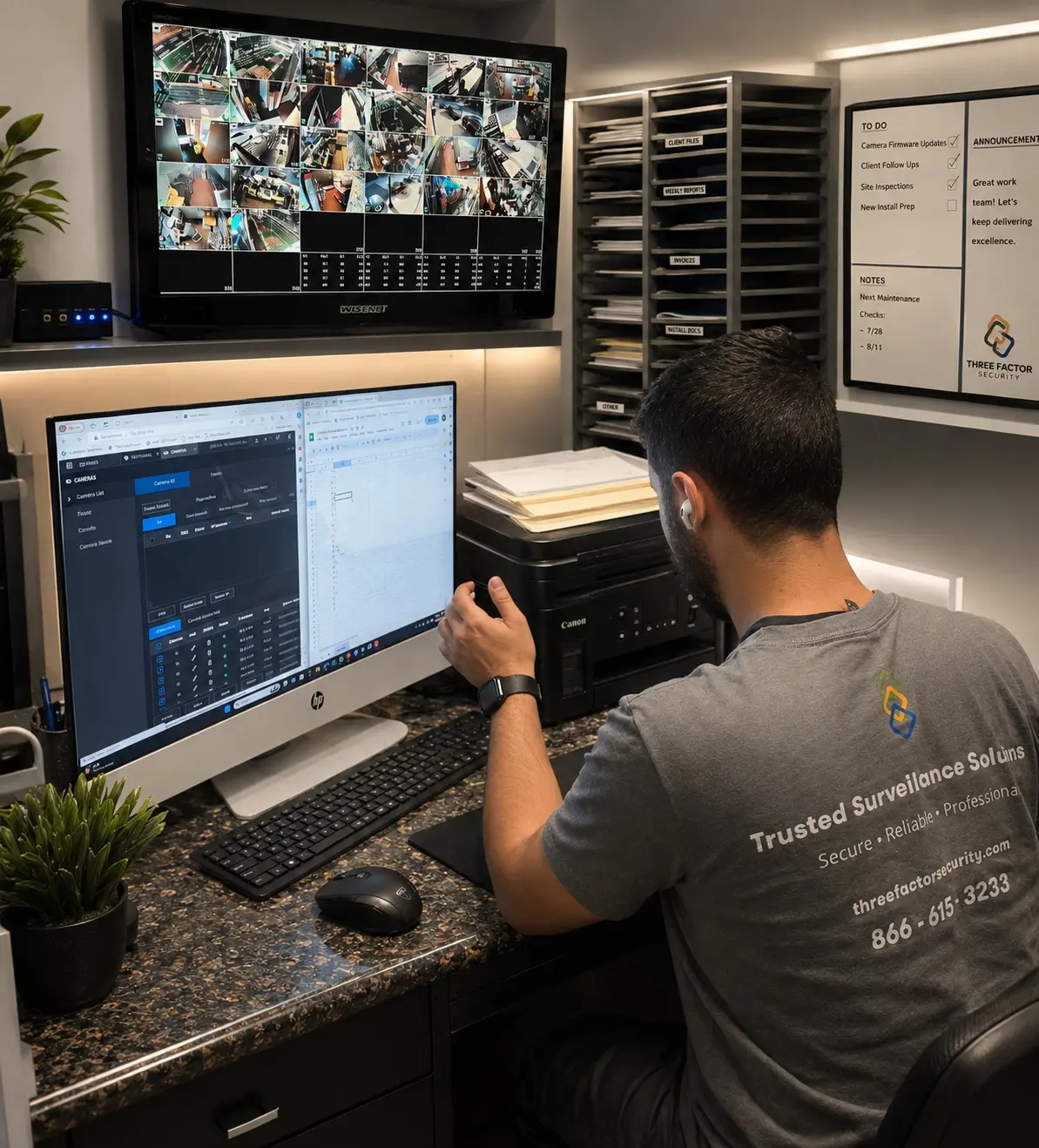 Fieldwork inBaldwin Park
Authentic Three Factor Security field work
Service, access, exports, troubleshooting, and future changes are easier when the original configuration, documentation, and field conditions are understood.
View more project experienceBegin with a professional assessment