
When DIY may be reasonable
A consumer camera may be suitable for one or two simple indoor or exterior views, basic app notifications, and a user comfortable managing mounting, Wi-Fi, subscriptions, updates, account security, and troubleshooting. Confirm weather ratings, power, retention, privacy, and what happens during an internet outage.
Where complexity changes the decision
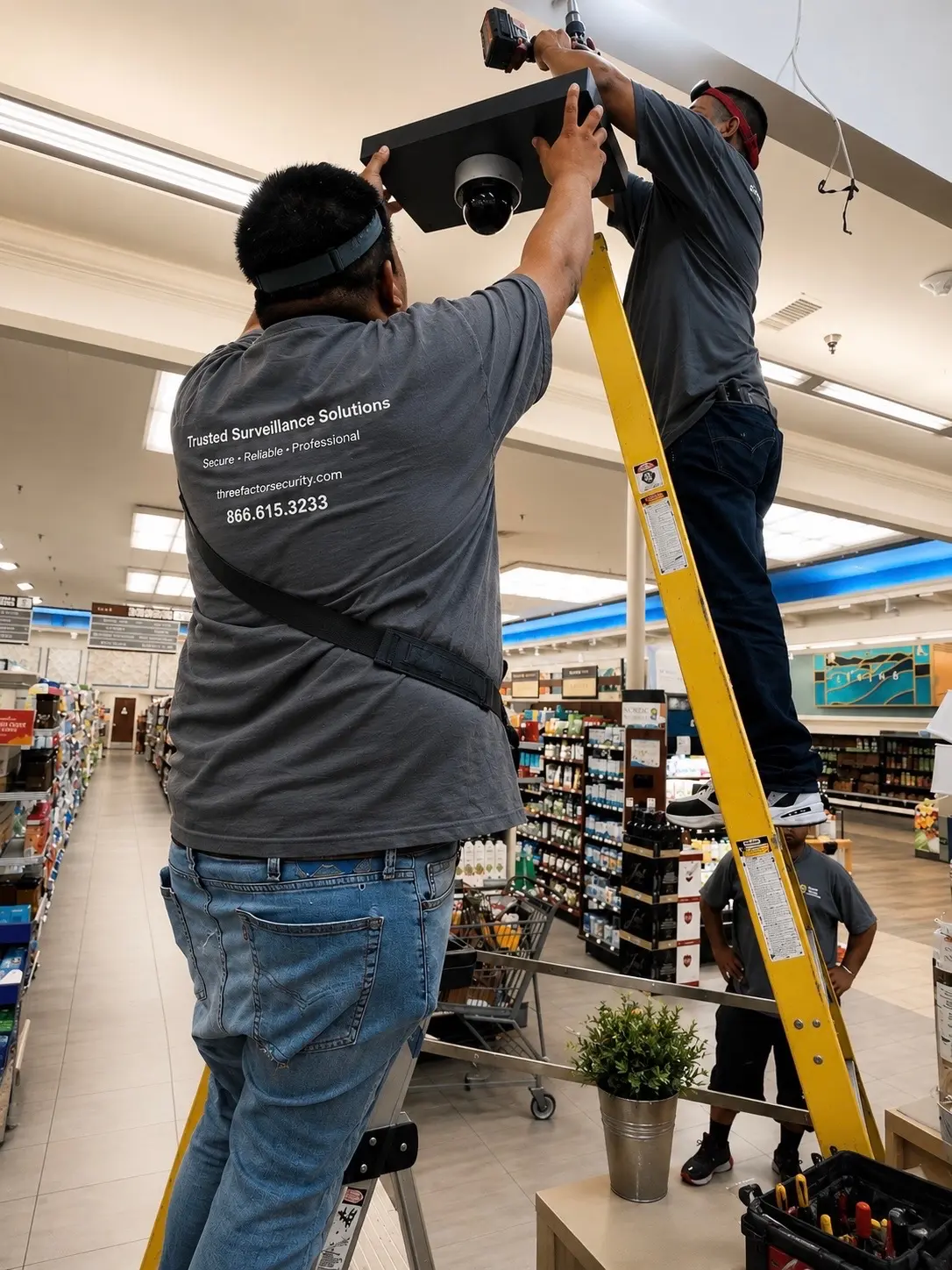
Larger homes, multifamily properties, businesses, warehouses, garages, gates, long perimeters, multi-site operations, high ceilings, harsh environments, license-plate capture, reliable exports, or live monitoring introduce design and installation requirements that consumer packages may not address well.
Coverage and image quality depend on placement
Camera height, lens, angle, scene width, lighting, reflections, infrared behavior, motion, background, and expected subject distance determine whether a view is useful. Professional planning distinguishes a wide overview from a view intended for identification or verification.
Infrastructure determines reliability
Hardwired power and data, cable pathways, network switches, wireless design, cellular options, bandwidth, surge protection, backup power, weatherproofing, secure equipment, and service access all affect long-term operation. Clean installation also protects the property and makes future maintenance practical.
Cybersecurity and permissions are part of the installation
Change default credentials, use strong unique accounts and multi-factor authentication where supported, apply updates, segment networks where appropriate, limit remote exposure, remove unused users, and document administrators. Business systems may also need role-based access, audit history, and controlled exports.
Compare total cost and accountability
Include hardware, storage subscriptions, recording, accessories, ladders or lifts, cabling, replacement time, troubleshooting, lost coverage, documentation, training, maintenance, and future expansion. A professional scope should clearly define equipment, work, testing, handoff, support, and exclusions so the result can be evaluated fairly.