
Use 15 FPS as a balanced starting point; raise critical identification views only where the operational need supports it.
NVR storage & standards planner
Plan the cameras, RAID, and retention together.
Build a mixed-resolution camera set for one NVR or server, apply frame rates and recording profiles, compare resolution-aware recorder limits and RAID-adjusted drive capacity, and review industry-specific planning guidance.
Mixed-camera storage plan
Build one NVR around the cameras you actually need.
Combine resolutions and frame rates, model compression and recording time, then compare the requirement with NVR channels and RAID-adjusted usable capacity.
01
Camera sets
Enter the quantity and frame rate for every resolution recorded by this NVR.
1080p / 2 MPGeneral interior and overview coverage
Planning rate4.0 Mbps2K / 4 MPDetailed commercial coverage
Planning rate14.0 Mbps5 MPHigher-detail identification views
Planning rate9.0 Mbps4K / 8 MPWide scenes and forensic detail
Planning rate0.0 Mbps12 MP / multi-sensorPanoramic and specialty applications
Planning rate0.0 MbpsPlanning rates start with representative H.265 bitrates at 15 FPS, then adjust for the selected frame rate, codec, and scene profile. Actual device bitrate can vary substantially.
02
NVR, drives & RAID
Check resolution-aware camera capacity and storage for one recorder or server.
Camera limits are resolution-dependent. These profiles span current compact, integrated, dedicated, and enterprise recorder classes without selecting a specific hardware model. Mixed-camera load treats 5 MP and 12 MP / multi-sensor cameras conservatively. Active users, live viewports, analytics, firmware, and other applications can reduce practical capacity. Review current manufacturer capacity guidance →
RAID 5One drive of parity; survives one drive failure.Minimum drives: 3. Final RAID support depends on the selected recorder.
Industry guidance
Start with the operating standard—not a generic number.
Planning baseline
General commercial property
A practical starting point for offices and mixed commercial properties without a separate contractual or regulatory retention rule.
- Retention
- 30-day planning baseline
- Frame rate
- 15 FPS baseline
- Recording
- 24 hours / day
- Redundancy
- RAID 5
Keep accurate time synchronization, restricted administrator access, tested exports, and documented camera-health checks.
Confirm insurer, lease, client-contract, incident-investigation, and local privacy requirements before final design.
Important: This is planning guidance, not legal, regulatory, insurance, evidentiary, or manufacturer advice. Requirements vary by facility, license, jurisdiction, contract, camera use, and governing policy. Confirm the current rules with the responsible authority and qualified counsel before relying on a final retention plan.
Review official source: AXIS storage-planning guidance ↗Use the estimate to narrow the design—not replace it.
Resolution, frame rate, compression, scene activity, low-light noise, audio, analytics, continuous versus event recording, firmware, camera model, and retention policy all change real storage use.
Final capacity should be verified against the selected cameras and recorder, supported drive list, total incoming bitrate, RAID implementation, spare strategy, rebuild behavior, export needs, and the organization’s approved retention policy.
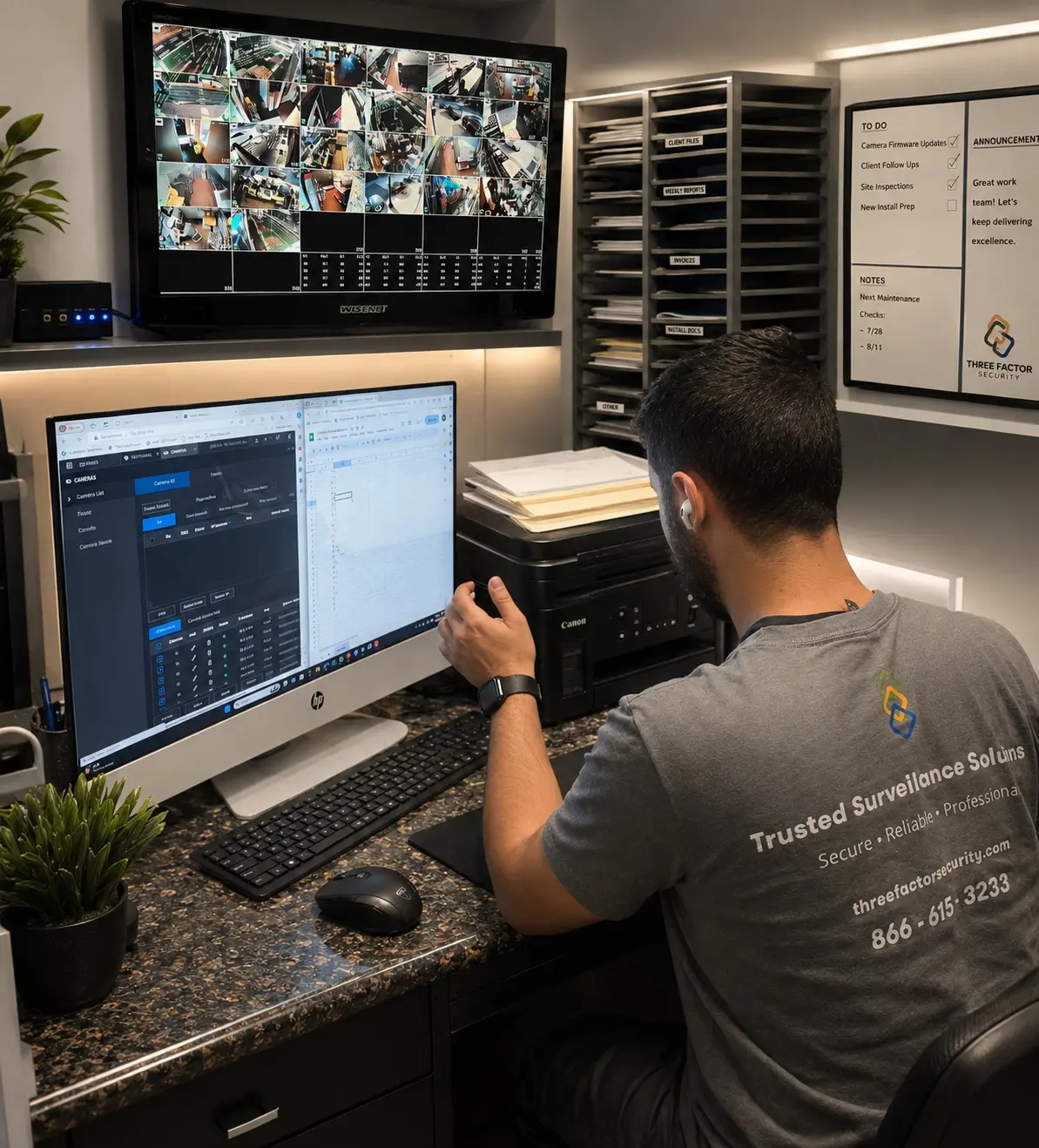 Fieldwork inBaldwin Park
Authentic Three Factor Security field work
Monitoring begins with correct configuration and verified views.
Camera views, event settings, notifications, users, schedules, and response expectations must be coordinated before a monitored workflow can support the property effectively.
View more project experienceBegin with a professional assessment